populated crew profiles
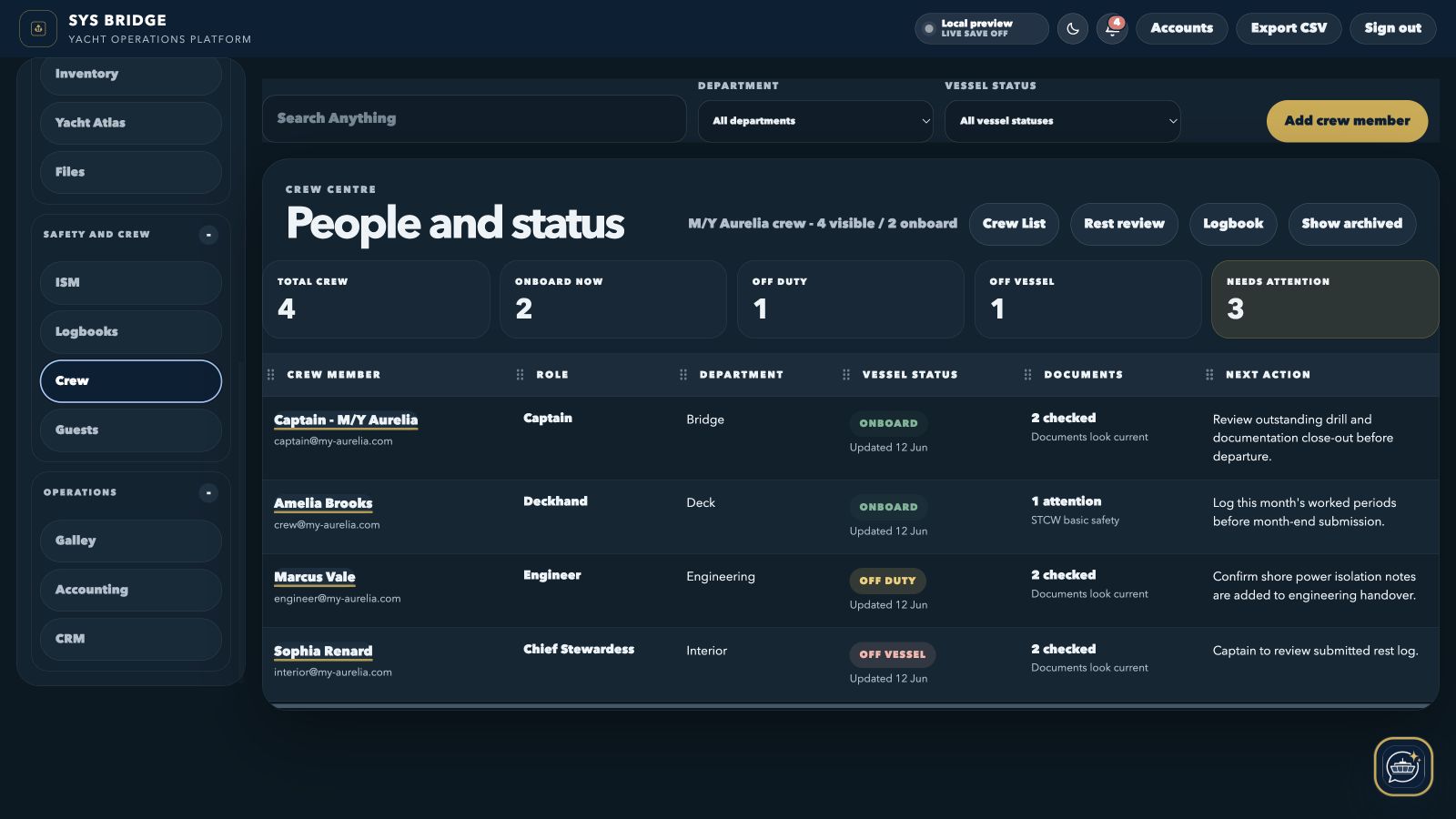
The current capture demonstrates a working crew register with roles, statuses and attention states.
SYS Bridge / Crew management
Keep crew profiles, vessel status, documents, training, leave, payroll references, schedules and hours-of-rest review connected to the same yacht workspace.
Current product interface
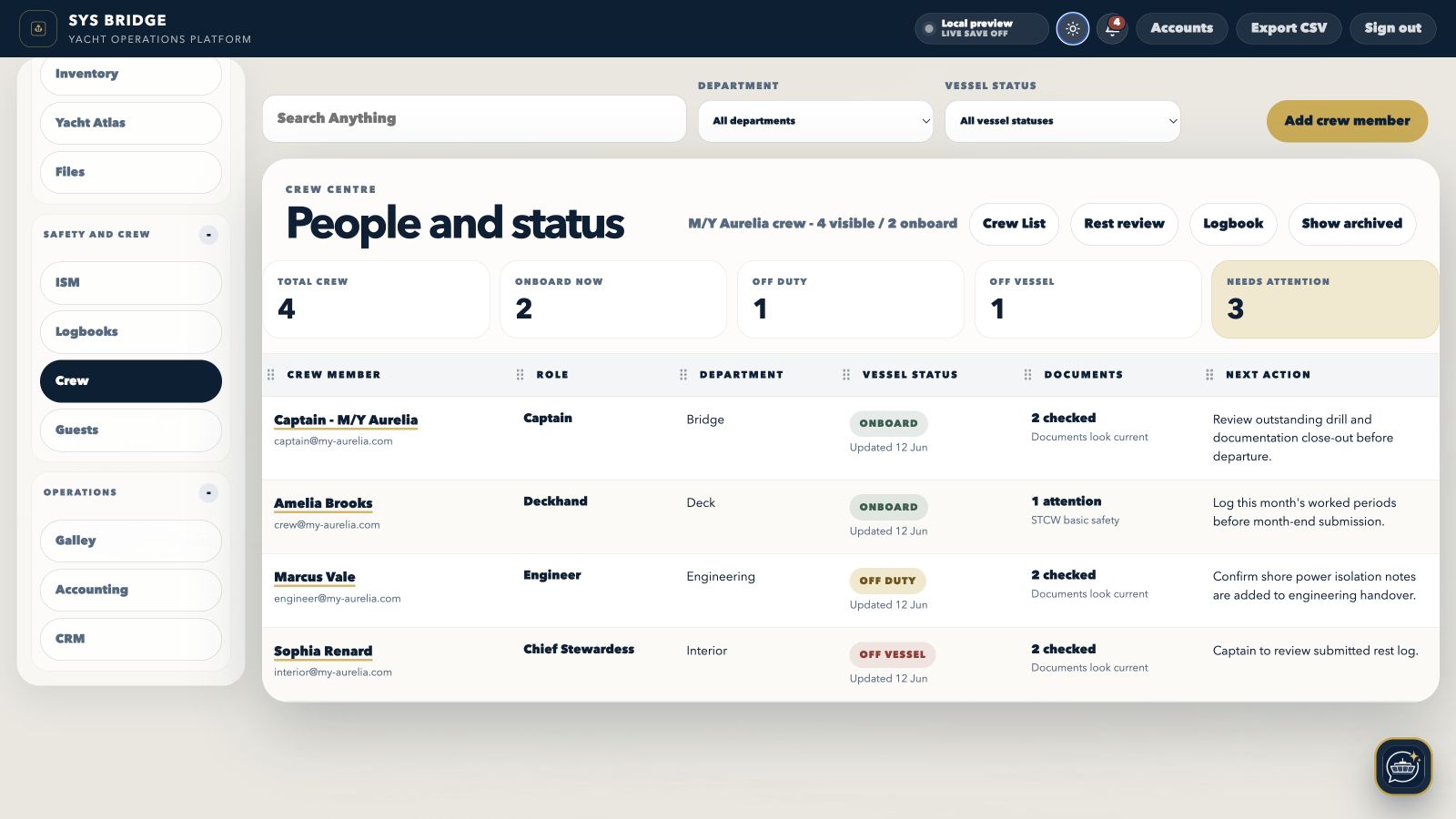
Both views show the current SYS Bridge desktop product populated with local sample yacht information, not a recreated marketing mockup.
Implementation evidence
These figures describe the populated local preview shown above. They are product evidence, not performance claims.
The current capture demonstrates a working crew register with roles, statuses and attention states.
Vessel status is visible at register level before a user opens the complete profile.
Desktop and companion views expose the records and actions appropriate to the signed-in role.
What it covers
The module is designed to stay compact at register level and reveal the complete working record only when a user opens it.
Review who is onboard, off duty or off vessel, with document attention and the next action visible in one compact crew register.
Store role, department, contact, joining, identity, training, document and galley-preference information against each crew member.
Keep leave, payroll references, logbook records and hours-of-rest review available from the relevant crew workspace.
The companion app keeps Today, schedules, rest entries, documents and assigned work available without exposing unnecessary desktop controls.
Representative implementation example
Representative implementation example using local M/Y Aurelia preview data. It is not a customer testimonial or a guaranteed result.
The M/Y Aurelia preview represents crew details, documents, schedules, leave and rest records that are commonly maintained in separate administrative tools.
Each profile connects role, department, status, documents, training and administration while the companion view keeps daily crew tasks lighter.
The preview demonstrates how authorised users can review readiness centrally while crew use a focused mobile experience for their own work.
Operational workflow
Captains, chief officers, heads of department and yacht managers who need crew readiness and administration beside daily vessel operations.
Create the crew member and link the correct login, role and department.
Add documents, training, dates, preferences and administration details.
Update vessel status, schedules, leave and hours-of-rest records.
Use readiness and attention states to keep follow-up visible to authorised users.
Built around the people using it
The same yacht data can support different decisions without giving every account the same level of access.
Captain
See onboard status, document attention and crew administration from one permitted register.
Head of department
Use role, schedule, leave and assigned-work context without exposing unrelated account controls.
Crew member
Access Today, schedules, documents and rest entry from the mobile-oriented experience.
Connected modules
Move between related SYS Bridge modules without separating the asset, person, evidence or history that gives the record meaning.
Questions
Practical answers about how this part of SYS Bridge works.
SYS Bridge supports onboard organisation and record keeping. Vessel owners, captains, managers and relevant authorities retain responsibility for operational decisions and compliance.
Yes. SYS Bridge uses tab and role permissions so crew accounts can be limited to the yacht areas and records they need.
Yes. Crew can enter work periods in the companion experience while authorised desktop users review the official monthly record.
Yes. Crew profiles include document and training records with attention states to support readiness review.
Per-yacht subscription
No separate crew-seat charge. Annual billing is US$2,490; onboarding is scoped from US$2,500.