populated sample items
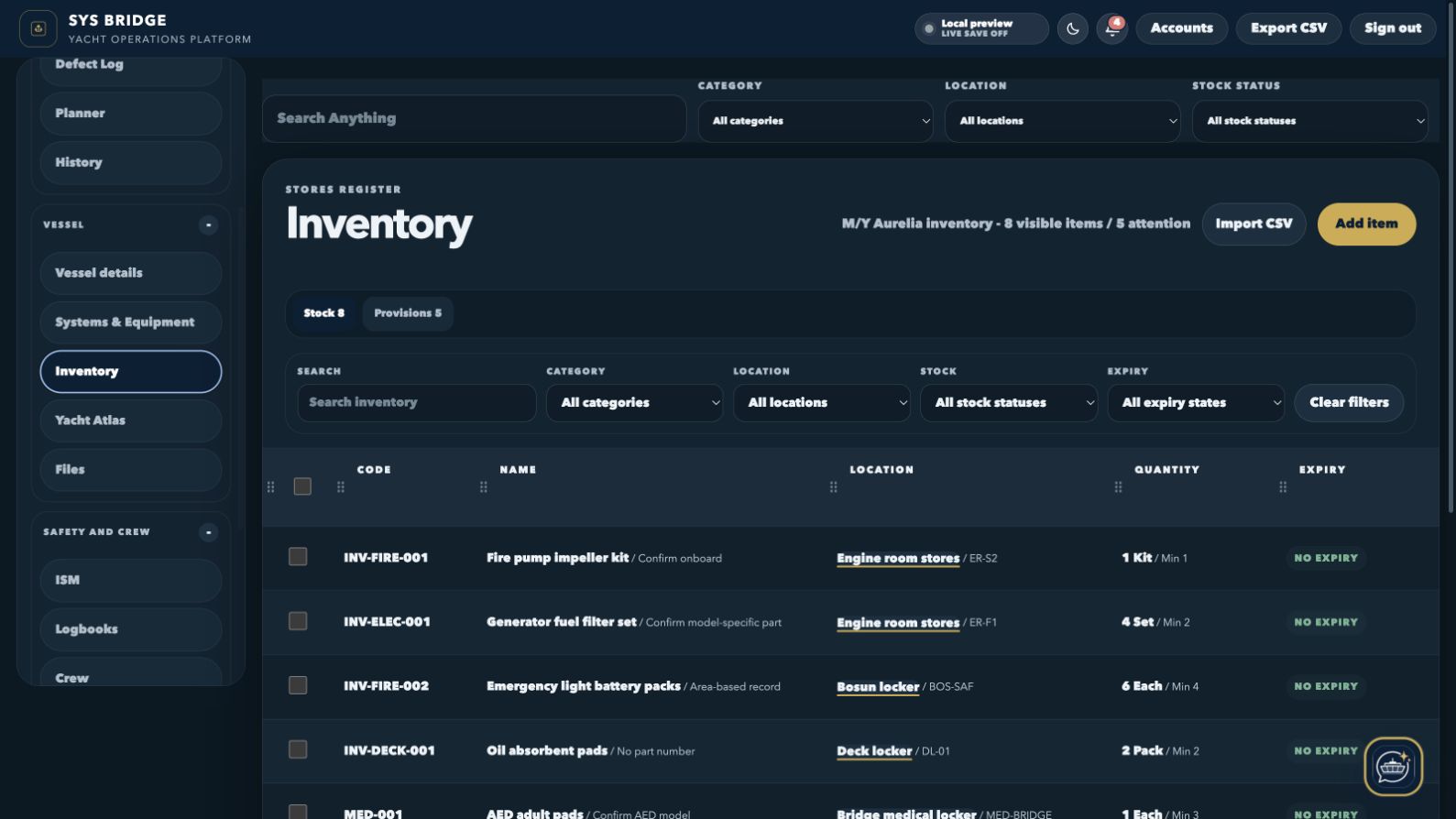
The current capture shows a working cross-department inventory rather than placeholder rows.
SYS Bridge / Inventory management
Track spares, consumables, safety stock, medical items and provisions with clear quantities, locations, minimum levels and expiry attention.
Current product interface
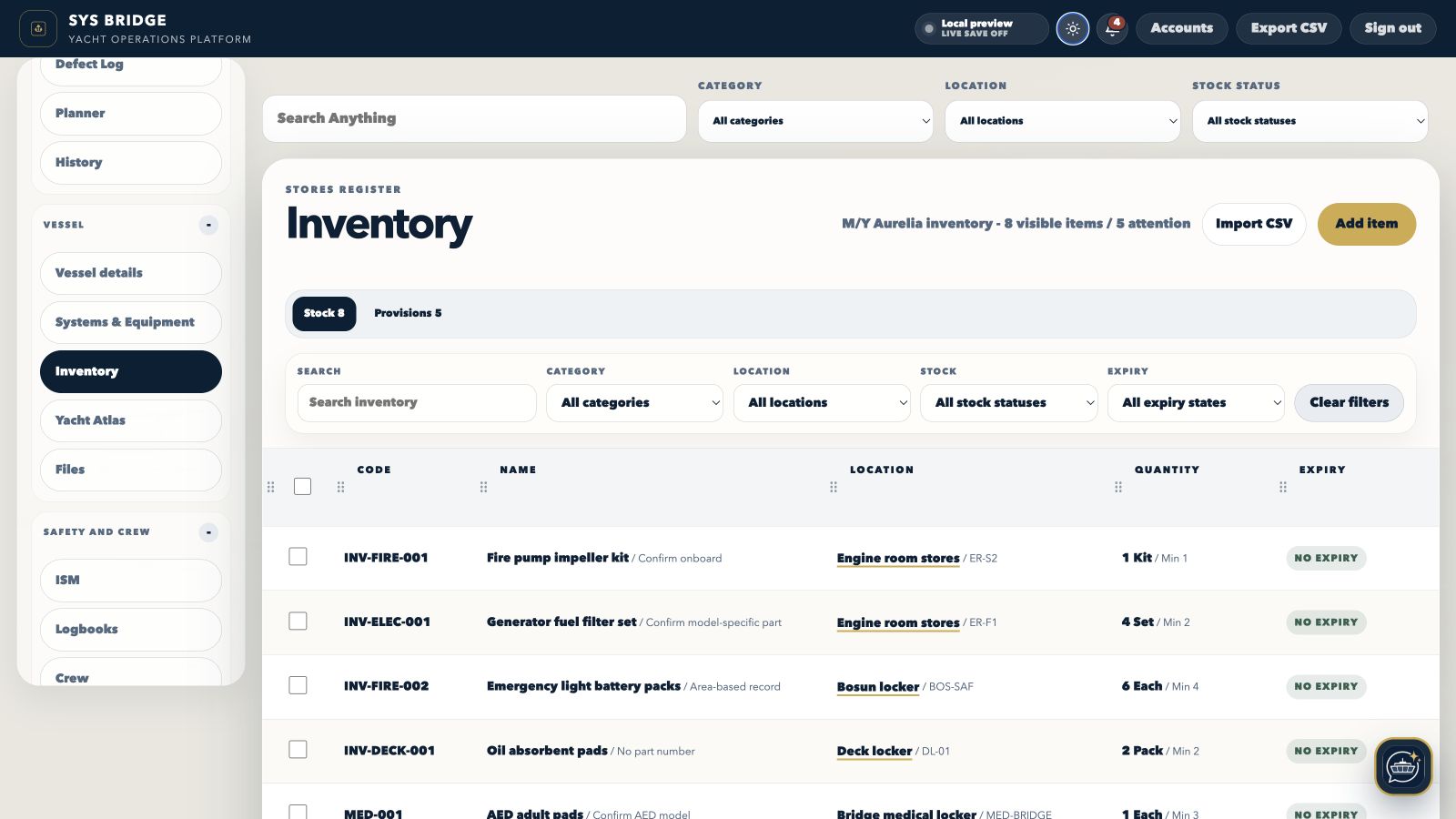
Both views show the current SYS Bridge desktop product populated with local sample yacht information, not a recreated marketing mockup.
Implementation evidence
These figures describe the populated local preview shown above. They are product evidence, not performance claims.
The current capture shows a working cross-department inventory rather than placeholder rows.
Low stock and expiry attention are surfaced directly in the compact register.
Code, name, location, quantity and expiry remain visible before the full item is opened.
What it covers
The module is designed to stay compact at register level and reveal the complete working record only when a user opens it.
Use a compact register for codes, item names, exact storage locations, quantities and expiry status across vessel departments.
Minimum quantities and stock-status filters make shortfalls visible before they interrupt maintenance, safety or guest operations.
Expiry states keep safety, medical and service-sensitive stock visible without making every inventory row oversized.
Use CSV templates, drag-and-drop import review and export tools to move from existing vessel spreadsheets with less re-entry.
Representative implementation example
Representative implementation example using local M/Y Aurelia preview data. It is not a customer testimonial or a guaranteed result.
The M/Y Aurelia preview combines the kinds of spares, consumables and expiry-controlled items that are often maintained in separate department sheets.
Records are coded, categorised and assigned exact storage locations, quantities, minimum levels and expiry dates in a shared yacht inventory.
The preview demonstrates a compact list that makes attention items visible while leaving detailed notes and files inside the item record.
Operational workflow
Engineering, deck, interior, safety and galley teams that need one searchable vessel inventory without losing department-specific views.
Start with a reviewed CSV or add stock records directly.
Assign a department, category, storage location and inventory code.
Review quantity, minimum stock and expiry attention from the register.
Open the item for complete notes, files and stock updates when more detail is needed.
Built around the people using it
The same yacht data can support different decisions without giving every account the same level of access.
Chief engineer
Search exact locations and minimum levels for technical consumables and replacement parts.
Interior and galley
Use relevant categories without maintaining a second disconnected provision database.
Safety officer
Keep safety and medical stock visible by expiry state and storage location.
Connected modules
Move between related SYS Bridge modules without separating the asset, person, evidence or history that gives the record meaning.
Questions
Practical answers about how this part of SYS Bridge works.
SYS Bridge supports onboard organisation and record keeping. Vessel owners, captains, managers and relevant authorities retain responsibility for operational decisions and compliance.
Yes. The import flow supports file selection or drag and drop, then reviews the mapped records before they are applied.
Yes. Quantity, minimum stock and expiry states are first-class fields and can be filtered from the compact register.
No. Galley reuses relevant Inventory categories so ingredients and cooking equipment stay in the vessel's shared stock source of truth.
Per-yacht subscription
No separate crew-seat charge. Annual billing is US$2,490; onboarding is scoped from US$2,500.